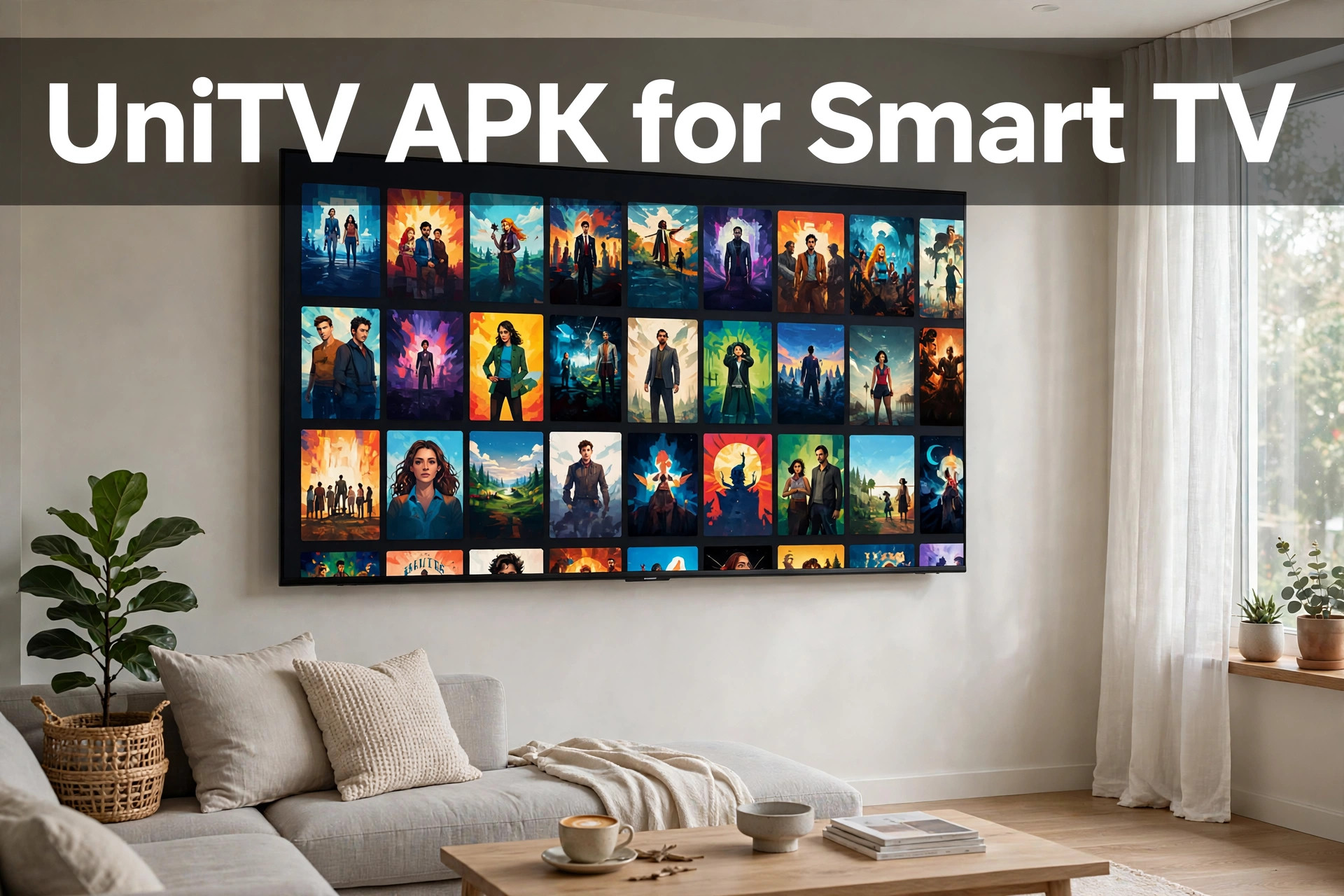
UniTV APK for Smart TV lets you watch free content on a big screen, but it only works on some TVs. It runs on TVs that use Android TV or Google TV. If you have a Samsung or LG TV, the direct install will not work, and there is a simple fix. This guide explains which TVs can run UniTV v4.14.1, how to install it, and what to do if something goes wrong.
Which Smart TVs Work with UniTV?
This is the most important part of the article, so please read it with care.
TVs that work:
- TVs with Android TV
- TVs with Google TV
TVs that do not work directly:
- Samsung TVs (Tizen system)
- LG TVs (webOS system)
UniTV is an Android app. Samsung and LG use their own systems, so an Android APK cannot install on them. This is not a fault of your TV. It is only a system difference.
What can Samsung and LG owners do? Plug in a Firestick or an Android TV box. Both give you an Android-based system, and then you can install UniTV on that device. Many people choose this option because it is simple and low cost.
What You Need Before You Start
- A TV with Android TV or Google TV (or a Firestick / Android TV box)
- A working internet connection
- The Downloader app
- The UniTV download link from myunitvnet.com
Method: Install UniTV with the Downloader App
Follow these five steps.
Step 1: Install Downloader. Open the app store on your Android TV or Google TV. Search for Downloader and install it.
Step 2: Allow unknown apps. Open your TV settings and find the option for installing unknown apps. Turn it on for Downloader. The exact menu name can change from one TV brand to another, so look for words like “Security” or “Unknown sources.”
Step 3: Open Downloader and allow storage. Open the app. When it asks for permission to use storage, press Allow.
Step 4: Enter the link. Type the UniTV download link from myunitvnet.com in the box and press Go. Check the spelling carefully. Fake sites often use names that look similar to the real one.
Step 5: Install and open. After the file downloads, press Install and then Open. UniTV v4.14.1 is ready.
After Installation
Use the arrow buttons on your remote to move through the categories. Press OK to select. The app does not need an account or email, so you can begin watching right away.
To keep the app fast, clear the cache from time to time. You can do this from your TV’s app settings. It removes old temporary files and often helps with lag.
Tips for Smart TV Users
- Use a strong connection. If you can, connect your TV with a cable. If you use Wi-Fi, keep the router close.
- Keep the app updated. Updates usually fix dead links and bugs. You update by installing the new installer over the old app.
- Lower the resolution if videos pause. It is the easiest fix for slow internet.
Smart TV Problems and Fixes
Buffering: Lower the video resolution. This reduces the speed your TV needs.
Sound but no picture: Change the video player inside the app. If only one channel has this problem, the issue is with that stream, not with your TV.
Install fails: Go back to the settings and check that unknown apps are allowed for Downloader.
App is slow: Clear the cache and restart the app. If that does not help, restart the TV.
We cannot say every fix will work every time. Usually, one of these steps solves the problem.
Why Some People Get Confused
Many users search for “UniTV for Samsung TV” or “UniTV for LG TV” and try to install it directly. When it fails, they think the file is broken. In most cases, the real reason is the TV system. Knowing this early saves a lot of effort.
If your TV is not Android-based, do not try random files from other sites. These can be fake and unsafe. Use a Firestick or an Android TV box instead, and download only from myunitvnet.com.
Final Words
UniTV APK for Smart TV is easy on Android TV and Google TV. Install Downloader, allow unknown apps, enter the link, and install. If you own a Samsung or LG TV, add a Firestick or Android TV box and follow the same steps there. Always download from the real site to stay safe.
Frequently Asked Questions
Can I install UniTV directly on a Samsung or LG TV?
No. Those TVs use Tizen and webOS. Use a Firestick or an Android TV box instead.
Do I need Downloader?
This guide uses Downloader as the main method because it is simple.
Is UniTV free?
Yes. It is free, and no signup is needed.
Does UniTV show ads?
Occasional ads can still appear.
Which version is this guide for?
This guide is for v4.14.1.