UniTV APK for PC is possible, but not in the way many people expect. There is no direct Windows or Mac version of UniTV. The app is made for Android, so on a computer you need an Android emulator. An emulator is a program that lets your PC run Android apps. This guide shows how to install UniTV v4.14.1 on PC using an emulator, and how to keep it running smoothly.
Is There a Direct Windows or Mac Version?
No. There is no .exe file for Windows and no direct file for Mac. If a site offers one, be careful. Fake files can harm your computer. The safe and correct way is to use an emulator and install the Android app inside it.
What Is an Emulator?
An emulator creates a small Android phone inside your computer window. You can open the Play Store of the emulator, browse the web, and install APK files, just like on a real phone. Popular choices are BlueStacks and NoxPlayer. Both can run UniTV.
What You Need
- A Windows or Mac computer
- An emulator (BlueStacks or NoxPlayer)
- Enough free RAM and storage for the emulator. Check the requirements on the emulator’s own website, because they are the emulator’s needs, not UniTV’s.
- A stable internet connection
How to Install UniTV on PC (Step by Step)
Step 1: Download and install an emulator. Go to the official website of BlueStacks or NoxPlayer. Download the installer and follow the setup screens.
Step 2: Launch the emulator. Open it and wait until the Android screen loads fully. The first start can take a few minutes.
Step 3: Download the installer inside the emulator. Open the emulator’s built-in browser and visit myunitvnet.com. Download the UniTV installer from there. Doing it inside the emulator saves you from moving files around.
Step 4: Open the downloaded file. Find the file in the emulator’s downloads and tap it. If the emulator asks to allow installs from unknown sources, allow it.
Step 5: Install and open. Press Install, then Open. UniTV v4.14.1 will now run inside the emulator window.
Emulator Settings for Smooth Playback
If videos lag, the emulator settings are the first place to check.
- Give the emulator more RAM and CPU. Most emulators have a performance setting. Increase the values a little, but leave enough for Windows or macOS.
- Close other programs. Browsers with many tabs use a lot of memory.
- Keep the emulator updated. Newer emulator versions often run better.
These tips are general emulator advice. They are not special rules of UniTV.
Using UniTV on PC
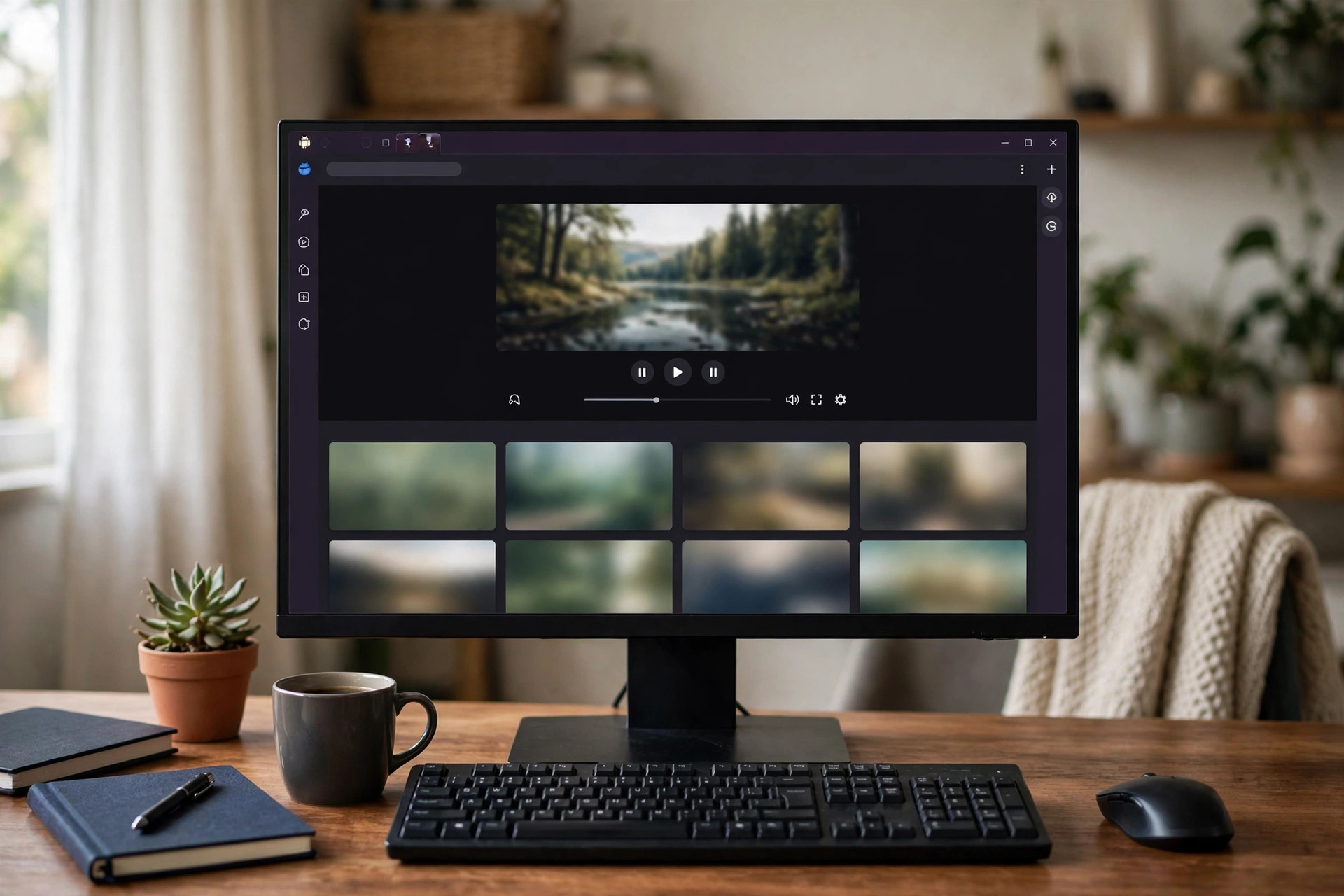
UniTV works like it does on a phone. You can use your mouse to click, and you can use the keyboard where the emulator supports it. The app does not need an account or email, so you can start right away.
If you want to watch on a bigger screen, many emulators have a full-screen button. Use it for a better view.
PC Problems and Fixes
Emulator is slow: Close other apps, or raise the RAM given to the emulator.
Video buffers: Lower the resolution inside the app. Restart your router if the internet is slow.
App does not open: Clear the app cache from the emulator’s app settings, then try again.
Sound but no picture: Change the video player inside the app. If only one channel fails, the stream has the problem.
App stopped working after an update: Delete the app, restart the emulator, and install again with a fresh installer.
No fix is guaranteed, but these steps usually help.
Mac Users: A Short Note
The steps are the same on Mac. Choose an emulator that supports your Mac, and follow the same process. We do not list exact Windows or macOS versions here, because support depends on the emulator you pick. Check the emulator’s website before you download.
Final Words
UniTV APK for PC is easy once you know the idea: install an emulator, open the browser inside it, download the installer from myunitvnet.com, and install it. There is no direct Windows or Mac version, so avoid sites that say otherwise. Give your emulator enough RAM, close extra programs, and enjoy a smooth experience.
Frequently Asked Questions
Is there a Windows .exe file for UniTV?
No. The emulator method is the way to use UniTV on PC.
Is UniTV free on PC?
The app is free. For the emulator, check its own terms on its website.
Which emulator is better?
BlueStacks and NoxPlayer can both run it. Pick the one that works well on your computer.
Do I need to sign up?
No. UniTV does not need an account or email.
Are there ads?
Occasional ads can appear.